Layer inputs for effects.
Use another layer as an image input inside a custom effect.
Try it in your agent.
Use this prompt as a starting point. Review the result, then ask for the details you want to change.
A prompt to start from
Use Strata. Make three large circular windows into one continuous coastal video. Their motion comes from an editable circle group supplied to a custom shader as an actual layer texture input, consumed rather than painted independently. Place an Exposure title above and a small label below. Verify changing the bound matte geometry changes the visible video.
A few useful details.
How do I try this with my agent?
Copy the prompt into your supported local agent with Strata installed. Review the preview, then ask for the changes you want. The composition stays editable as you refine it.
Where does the video render?
Strata previews and renders locally on an Apple Silicon Mac. The local engine is free; your agent’s subscription or usage costs are separate.
Try these next.
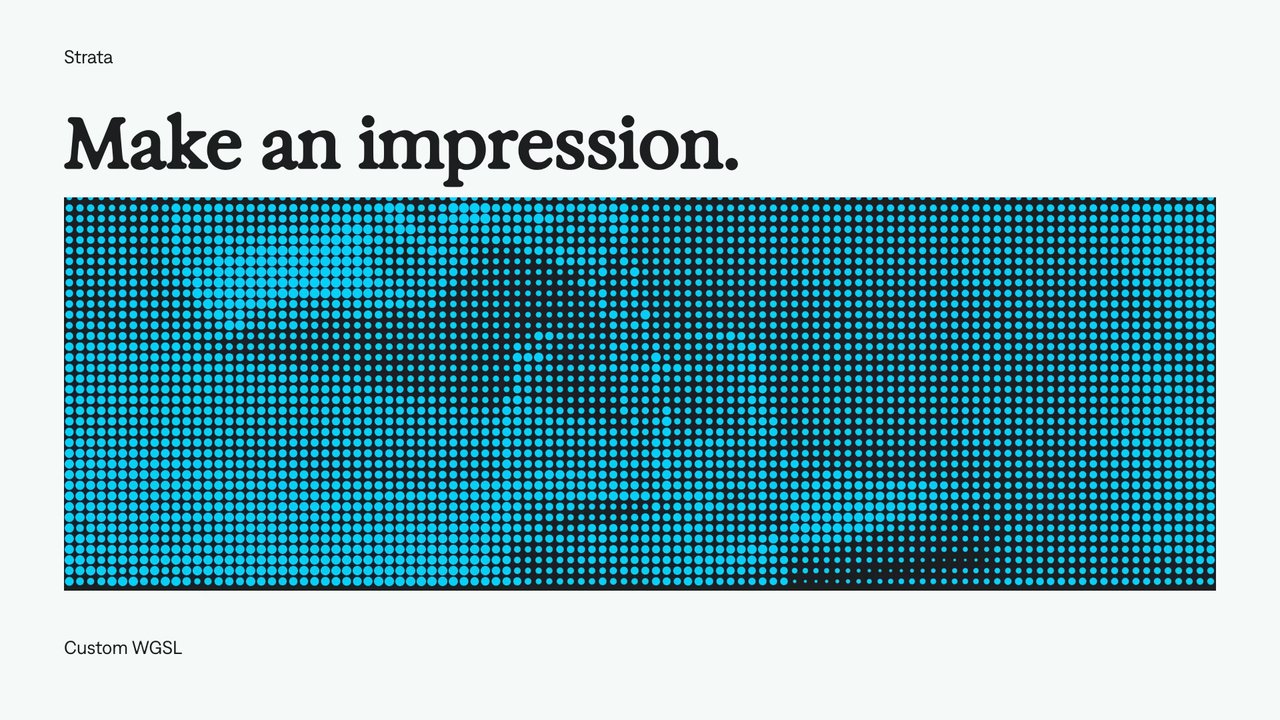
Custom shader effects
Let your agent build a custom GPU effect with controls you can keep adjusting.

Animate effect controls
Change a treatment over time while leaving other settings editable.

Reusable shader controls
Give a custom effect named controls for values such as color, position, and strength.
Find your next creative tool.
Explore the tools for editing footage, creating motion graphics, and shaping sound with your agent.
Free local rendering on Apple Silicon Mac. Your agent’s costs are separate.