Find edges.
Turn the edges in an image into a high-contrast graphic treatment.
Try it in your agent.
Use this prompt as a starting point. Review the result, then ask for the details you want to change.
A prompt to start from
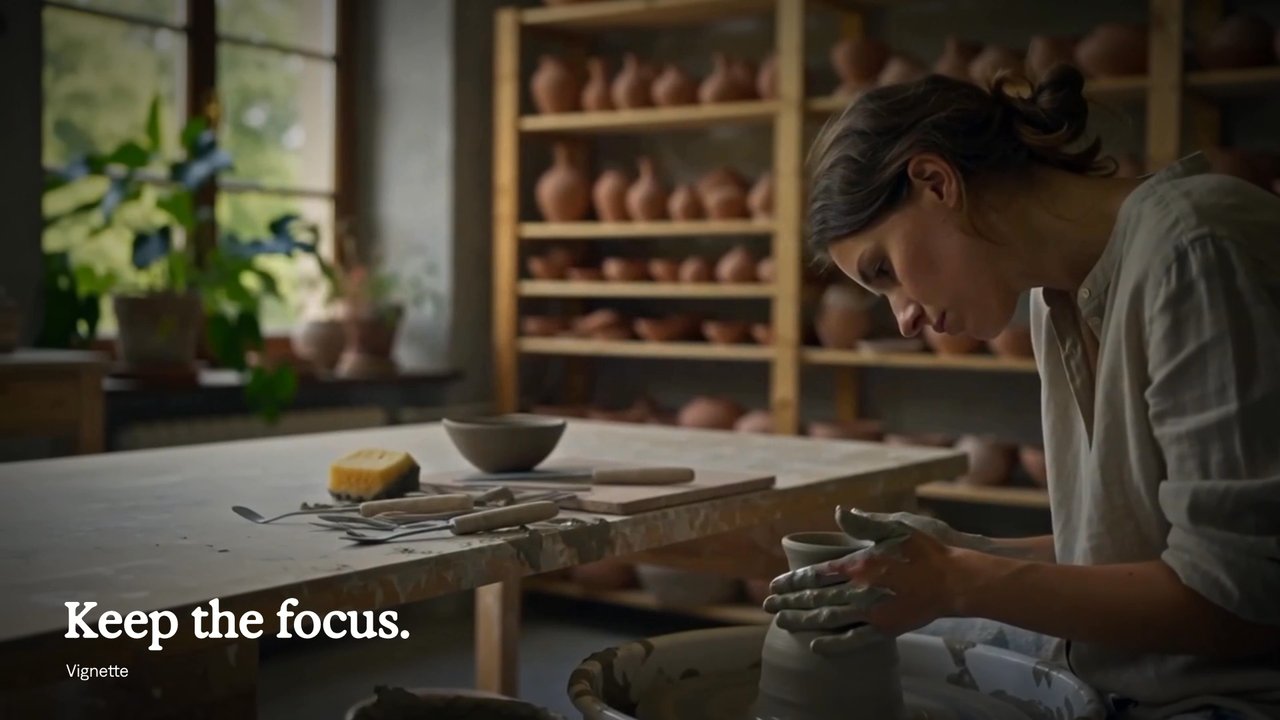
Use Strata. Create an eight-second editorial Strata split-screen on Mirage Bone. Pair a close view of a potter at work with the exact same moving shot processed by Find Edges with inversion enabled. Match scale and timing across the two panels. Use calm Exposure typography and generous separation, so the conversion from light and shadow to contours is the hero.
A few useful details.
How do I try this with my agent?
Copy the prompt into your supported local agent with Strata installed. Review the preview, then ask for the changes you want. The composition stays editable as you refine it.
Where does the video render?
Strata previews and renders locally on an Apple Silicon Mac. The local engine is free; your agent’s subscription or usage costs are separate.
Try these next.
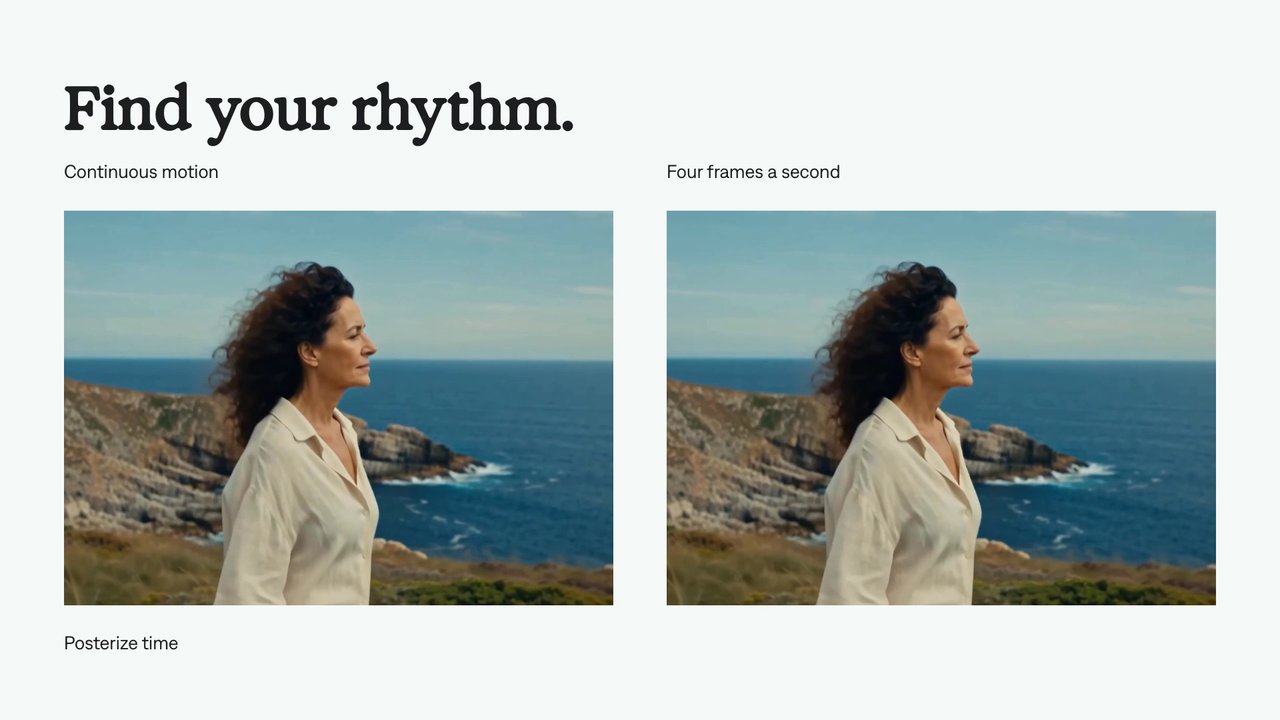
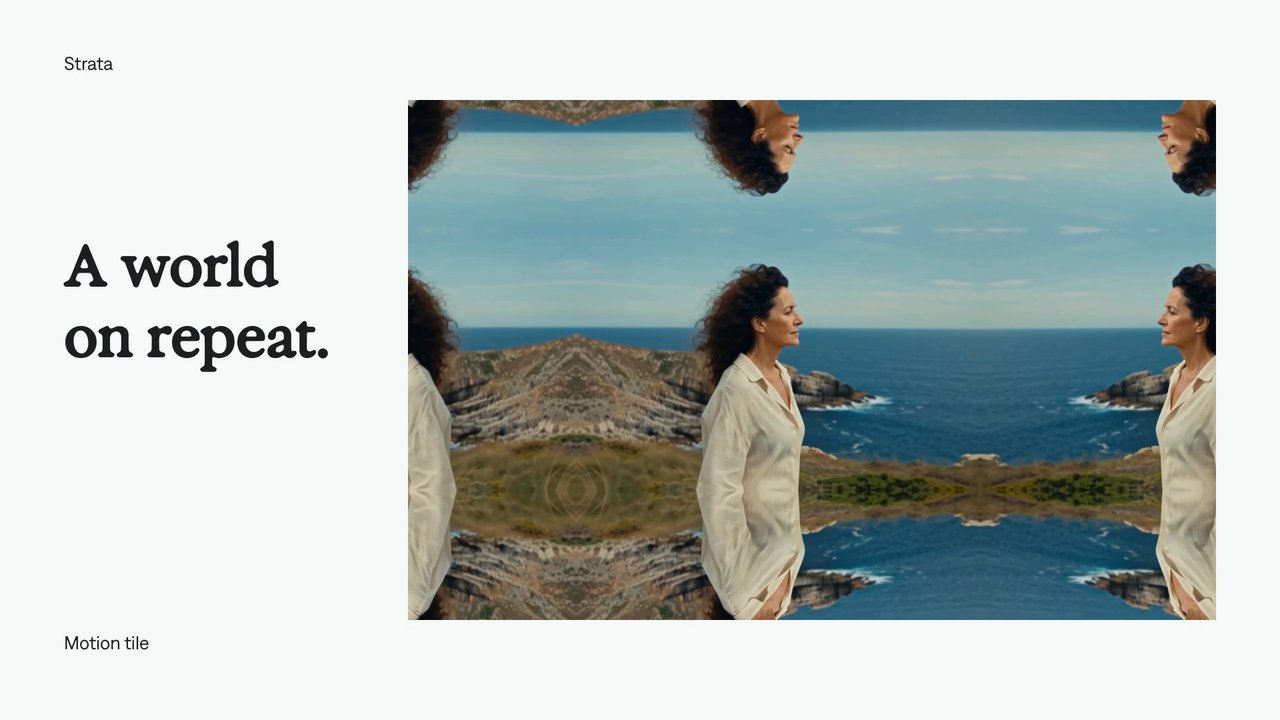
Find your next creative tool.
Explore the tools for editing footage, creating motion graphics, and shaping sound with your agent.
Free local rendering on Apple Silicon Mac. Your agent’s costs are separate.