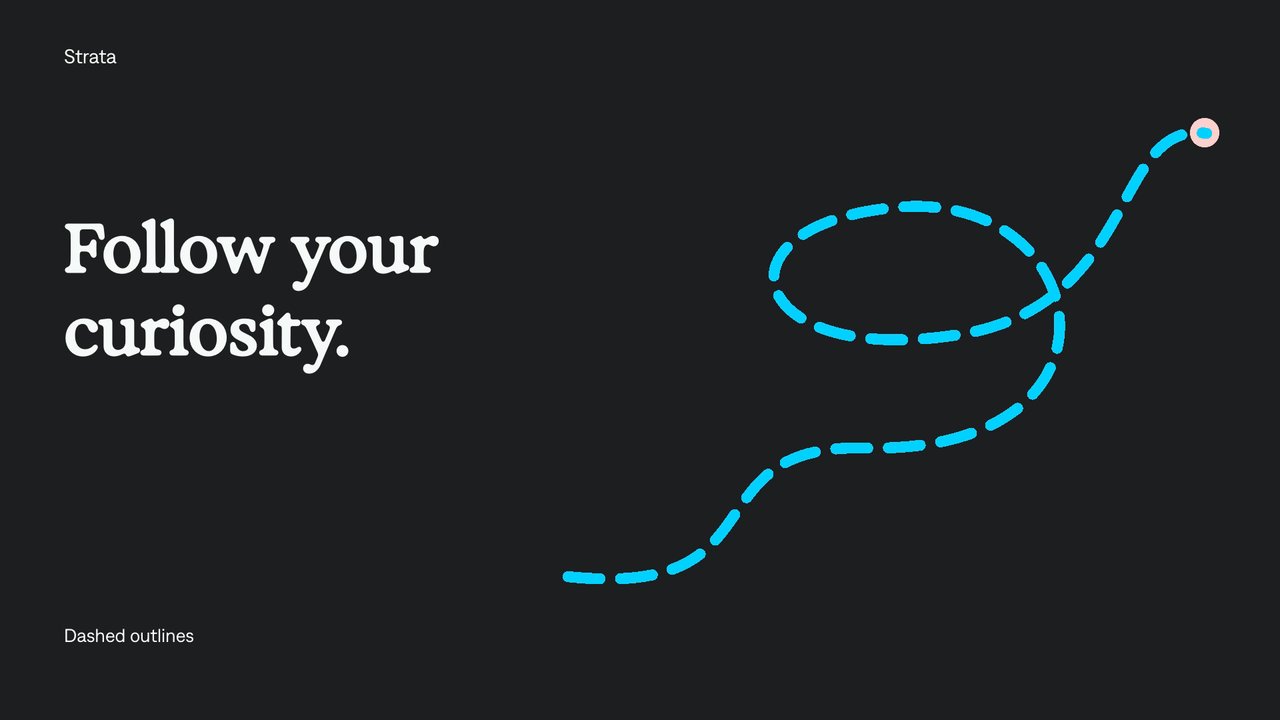
Animated dash offset.
Make an outline appear to travel along a path.
Try it in your agent.
Use this prompt as a starting point. Review the result, then ask for the details you want to change.
A prompt to start from
Use Strata. Create an eight-second silent Strata motion graphic. On a Charcoal canvas, form one generous rounded racetrack from an editable cubic path and a Sea 20 px dashed outline. Center a large white “Keep it moving.” headline within the loop, with ample space between lettering and the line. Keep the path, stroke width and dash/gap pattern fixed; drive only the dash-offset property at a steady 46 pixels per second, so dashes circulate around a completely stationary outline. Use 50 px dashes and 27 px gaps, round caps and minimal white Denim labels. No rotating whole layer or prerendered animation.
A few useful details.
How do I try this with my agent?
Copy the prompt into your supported local agent with Strata installed. Review the preview, then ask for the changes you want. The composition stays editable as you refine it.
Where does the video render?
Strata previews and renders locally on an Apple Silicon Mac. The local engine is free; your agent’s subscription or usage costs are separate.
Try these next.
Find your next creative tool.
Explore the tools for editing footage, creating motion graphics, and shaping sound with your agent.
Free local rendering on Apple Silicon Mac. Your agent’s costs are separate.